backdrop

Lysto Care

Built for studios that move fast, real support that is built into your dashboard. No detours, no delays.
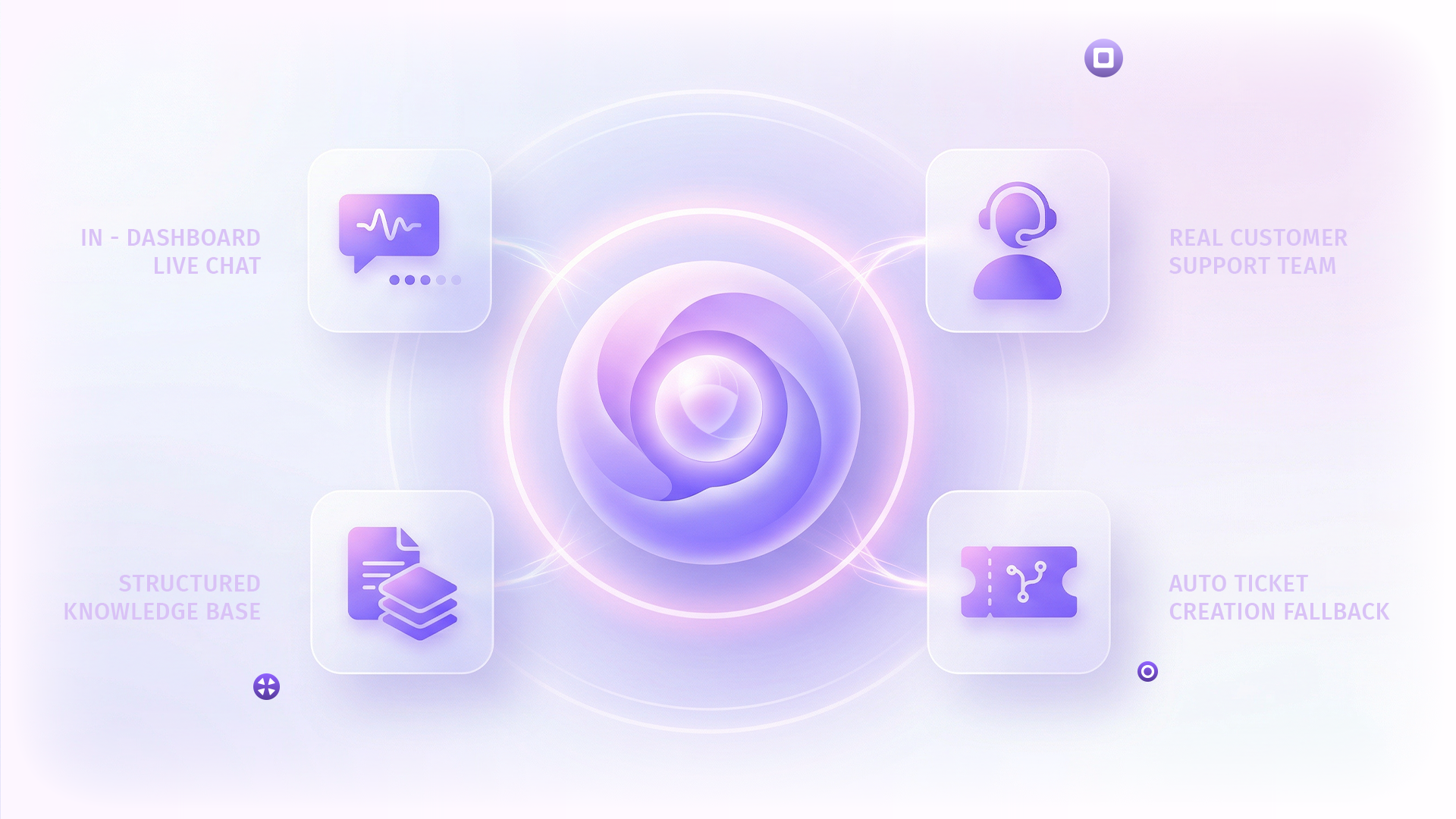
In-dashboard support access within Lysto platform

When something goes wrong mid-playtest, your team shouldn't be hunting for a contact form or waiting for an email reply. Lysto Care is a dedicated, in-dashboard support experience - available the moment you need it, right where you're already working.

Talk to us

What Sets Lysto Apart

Support lives in your dashboard

  • Most platforms route you to a separate help portal or a generic email inbox.
  • With Lysto Care, support is a single click away inside the platform - no context switching, no re-explaining your setup.

Your team speaks to real people

  • Lysto Care connects you directly to the Lysto Customer Success team via live chat.
  • You get a human who knows the platform - not a bot, not a ticket that sits in a queue for days.

A knowledge base built for Lysto

  • Support articles are organised around how Lysto actually works - Workspace, Playtests, Credits Wallet, and Account.
  • Everything findable in seconds, kept current as the platform evolves.

Help that knows where you are

  • Open Lysto Care on the Credits Wallet page and it surfaces credits articles. On the Playtests page, it surfaces playtest guides.
  • The experience adapts to your context automatically.

"Other platforms make support feel like an afterthought. Lysto Care makes it feel like part of the product."

What's Included with Lysto Care

In-dashboard live chat

In-dashboard live chat

No external portal. Always one click away.

Real human customer support team assisting game studios

Real CS team on the other end

Human agents who know Lysto deeply.

Structured knowledge base for Lysto platform users

Structured knowledge base

4 categories, built around how you work.

Context-aware help system integrated with playtesting workflow

Auto ticket creation fallback

Your chat history is attached, always.

Already included with your Lysto subscription — no extra cost, no setup required.

The Experience, Step by Step

01

Click 'Lysto Care' in your dashboard

It's right there in the left nav - always visible, always one click away. No new tab, no separate login.

Click 'Lysto Care' in your dashboard
Browse or search for what you need
02

Browse or search for what you need

Suggested articles load instantly, matched to the page you're on. Or type your question - results are filtered to what's relevant.

03

Start a live chat with the CS team

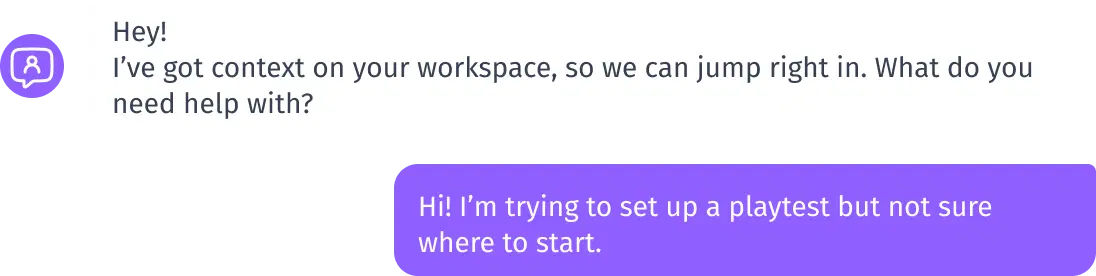
A real Lysto team member picks up your conversation. They have full context on your workspace and playtest setup.

Start a live chat with the CS team
Issue resolved - or a ticket is raised
04

Issue resolved - or a ticket is raised

Most issues are resolved in chat. If follow-up is needed, a ticket is created automatically with your chat history attached. You'll receive an email confirmation.

Expert help, built in

Get real support from the Lysto team. Right when you need it.